Troubleshooting
When connecting to the server via terminal and using the GPG key within Yubikey to sign Git commits, an error appears. Brief troubleshooting steps:

Verify if there is a valid private key:
gpg --list-secret-keys --keyid-format LONG
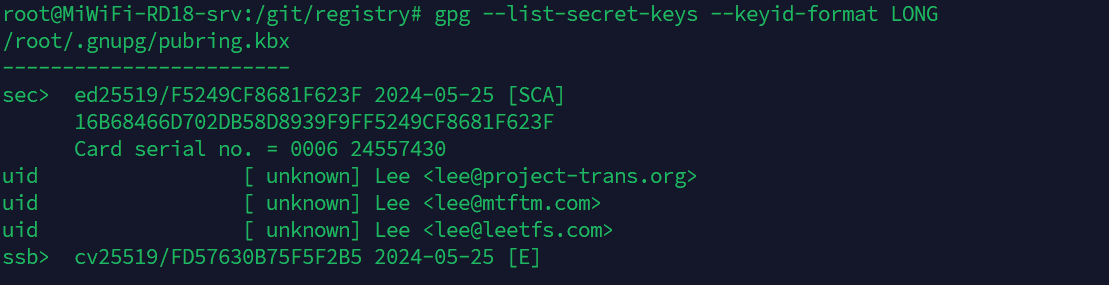
Test whether the smart card can be read correctly:
gpg --card-status
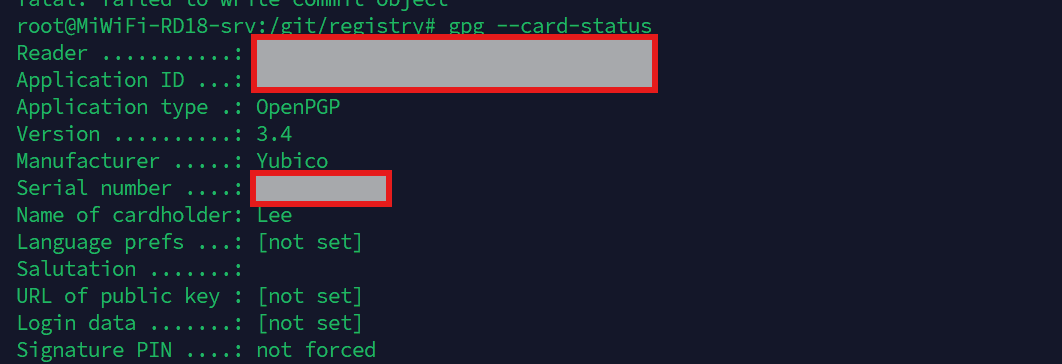
Test signing directly with GPG:
echo "test" | gpg --clearsign
Receive the output:
-----BEGIN PGP SIGNED MESSAGE-----\nHash: SHA256\n\ntest\ngpg: signing failed: Inappropriate ioctl for device\ngpg: [stdin]: clear-sign failed: Inappropriate ioctl for device
Observing the error, it is found that in multi-terminal environments, GPG cannot automatically recognize the current terminal device in use, resulting in the inability to correctly prompt the user for PIN input. Try to fix by configuring the GPG_TTY environment variable:
export GPG_TTY=$(tty)
Retest signing:
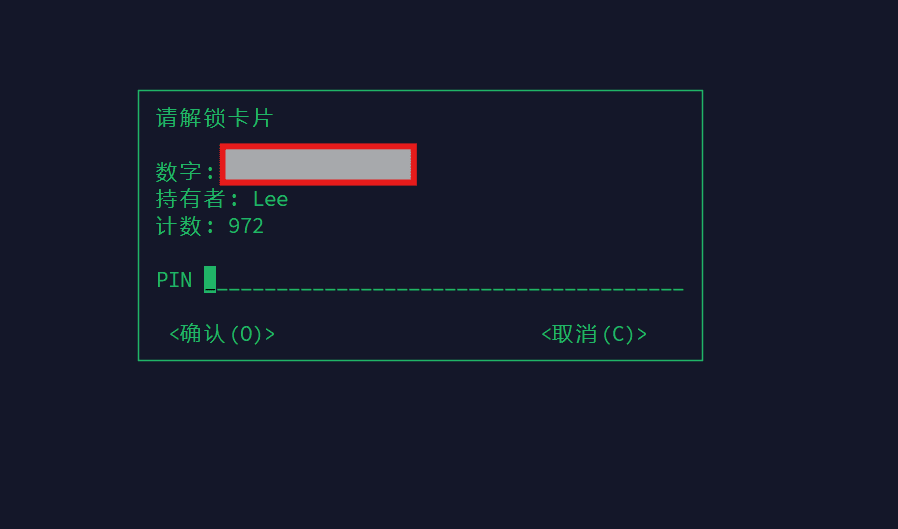
The verification prompt appears successfully, and the issue is resolved.