概要
Ventus GPGPU はRISC-V 向けの GPGPU アーキテクチャです。
本記事はこのリポジトリを参考にしています:https://github.com/THU-DSP-LAB/llvm-project。
依存関係のインストール
sudo apt install -y git build-essential clang cmake ninja-build ccache zlib1g-dev libtool autoconf automake device-tree-compiler bsdmainutils ruby clinfo
ファイルのダウンロード
TIP
フォルダを作成し、全てのリポジトリをそのディレクトリにクローンします。 ここではファイル名を
J142とします。
- llvm-ventus :
git clone https://github.com/THU-DSP-LAB/llvm-project.git - pocl :
git clone https://github.com/THU-DSP-LAB/pocl.git - ocl-icd :
git clone https://github.com/OCL-dev/ocl-icd.git - isa-simulator(spike) :
git clone https://github.com/THU-DSP-LAB/ventus-gpgpu-isa-simulator.git - driver :
git clone https://github.com/THU-DSP-LAB/ventus-driver.git - rodinia :
git clone https://github.com/THU-DSP-LAB/gpu-rodinia.git
環境変数の設定
export VENTUS_INSTALL_PREFIX=/root/J142/llvm-project/install
export SPIKE_TARGET_DIR=${VENTUS_INSTALL_PREFIX}
export LD_LIBRARY_PATH=${VENTUS_INSTALL_PREFIX}/lib
export OCL_ICD_VENDORS=${VENTUS_INSTALL_PREFIX}/lib/libpocl.so
export POCL_DEVICES="ventus"
export PATH=/root/J142/llvm-project/build/bin:$PATH
export BUILD_TYPE=Debug
コンパイラのビルド
cd J142/llvm-project
./build-ventus.sh
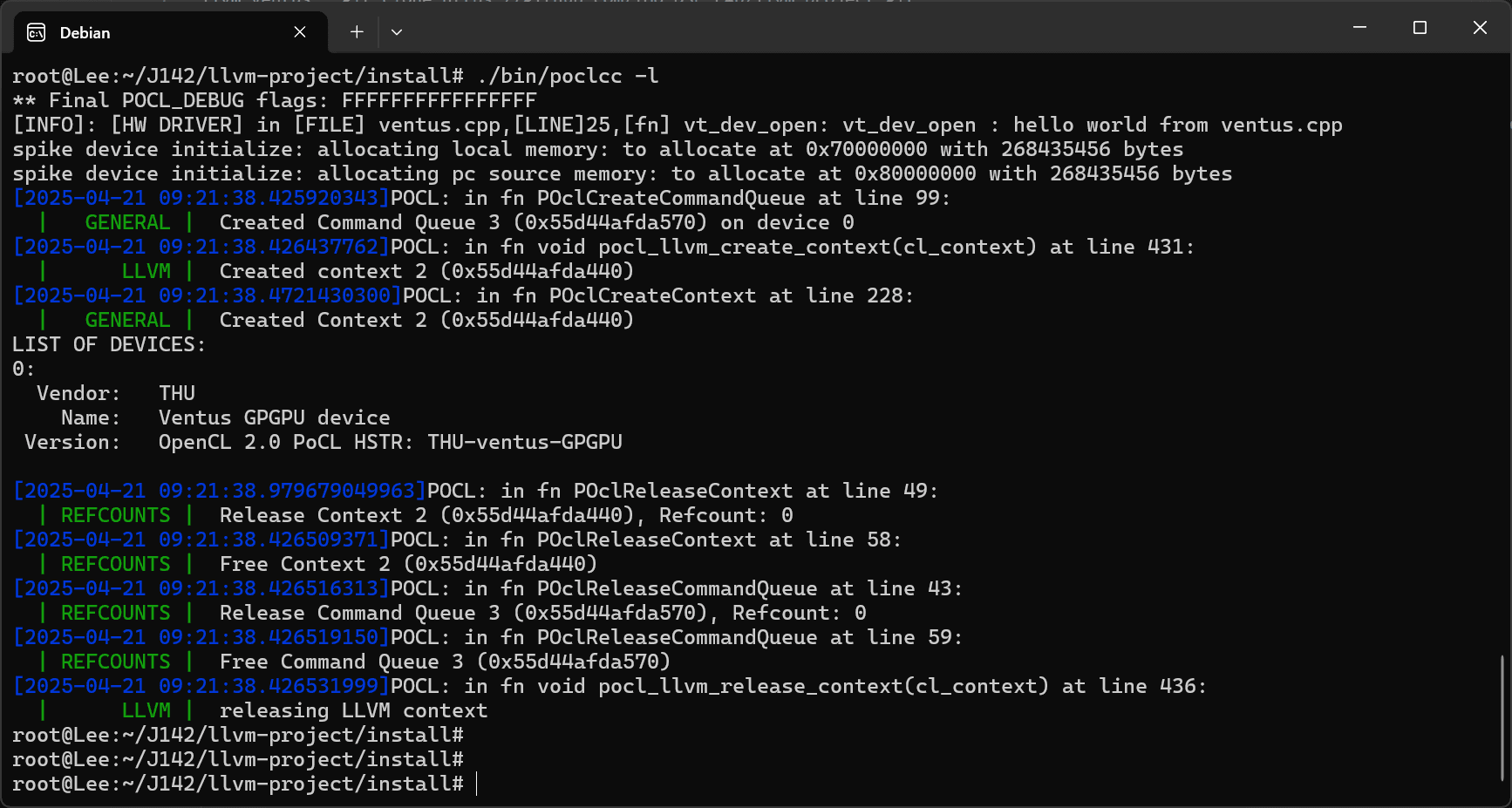
インストール状況の確認
cd J142/pocl/build/bin
./poclcc -l
テストケースの実行
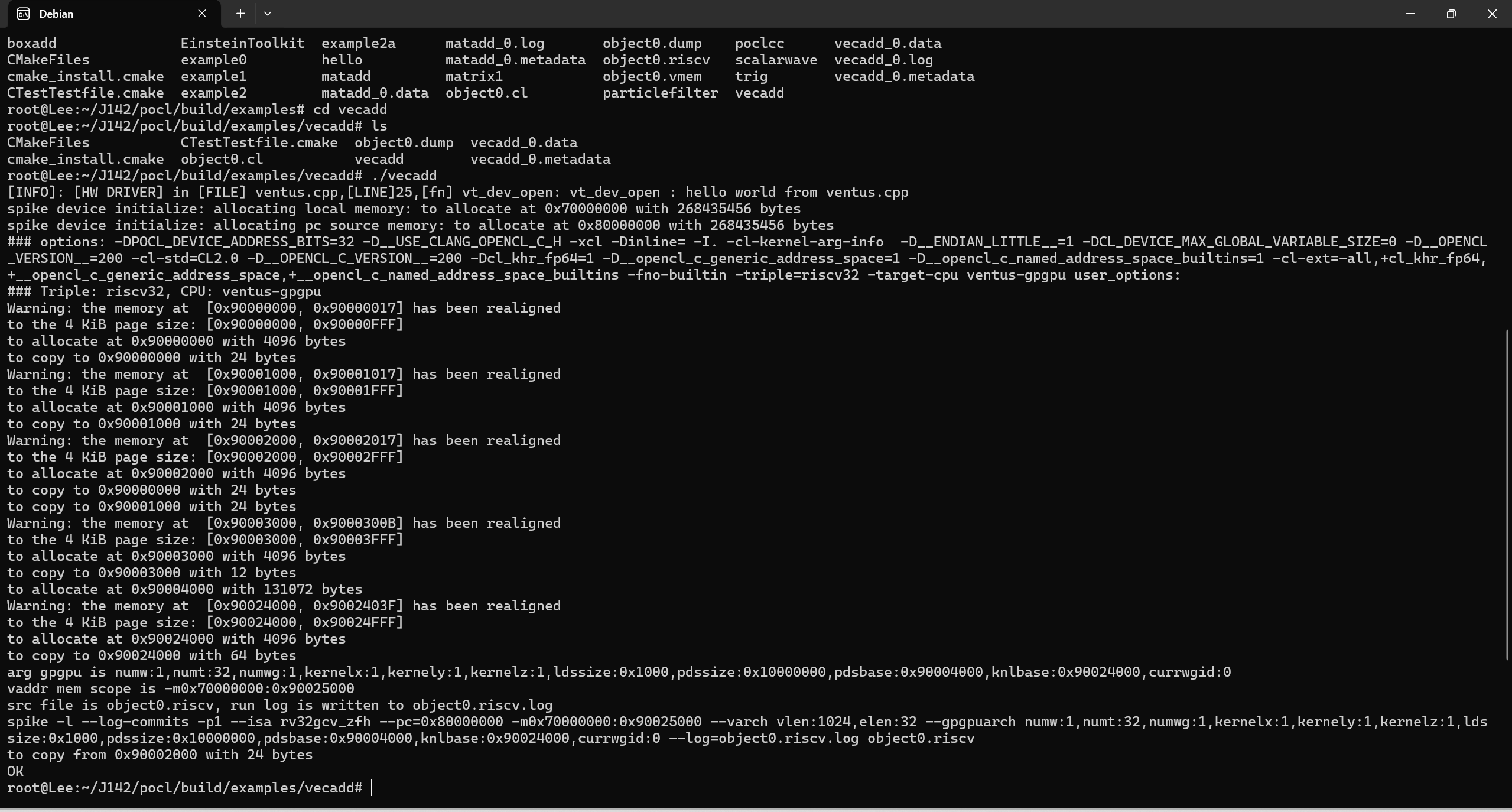
cd J142/pocl/build/examples/vecadd
./vecadd