简介
乘影 GPGPU 是一个面向 RISC-V 的 GPGPU 架构。
本文参考此仓库:https://github.com/THU-DSP-LAB/llvm-project。
安装依赖
sudo apt install -y git build-essential clang cmake ninja-build ccache zlib1g-dev libtool autoconf automake device-tree-compiler bsdmainutils ruby clinfo
下载文件
TIP
创建一个文件夹,将所有仓库克隆到该目录中,以下取
J142为文件名。
- llvm-ventus :
git clone https://github.com/THU-DSP-LAB/llvm-project.git - pocl :
git clone https://github.com/THU-DSP-LAB/pocl.git - ocl-icd :
git clone https://github.com/OCL-dev/ocl-icd.git - isa-simulator(spike) :
git clone https://github.com/THU-DSP-LAB/ventus-gpgpu-isa-simulator.git - driver :
git clone https://github.com/THU-DSP-LAB/ventus-driver.git - rodinia :
git clone https://github.com/THU-DSP-LAB/gpu-rodinia.git
设置环境变量
export VENTUS_INSTALL_PREFIX=/root/J142/llvm-project/install
export SPIKE_TARGET_DIR=${VENTUS_INSTALL_PREFIX}
export LD_LIBRARY_PATH=${VENTUS_INSTALL_PREFIX}/lib
export OCL_ICD_VENDORS=${VENTUS_INSTALL_PREFIX}/lib/libpocl.so
export POCL_DEVICES="ventus"
export PATH=/root/J142/llvm-project/build/bin:$PATH
export BUILD_TYPE=Debug
构建编译器
cd J142/llvm-project
./build-ventus.sh
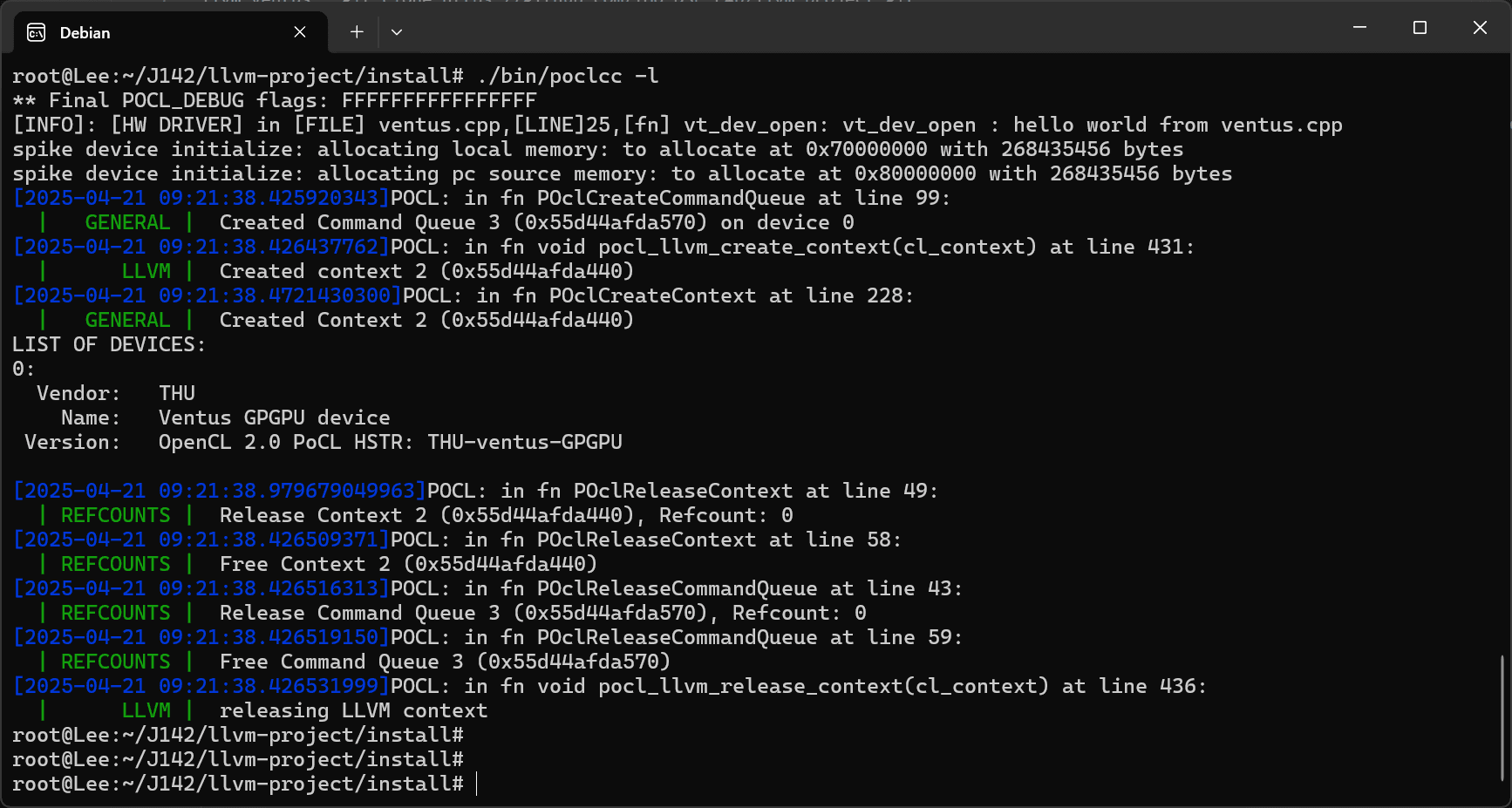
检查安装状态
cd J142/pocl/build/bin
./poclcc -l
运行测试用例
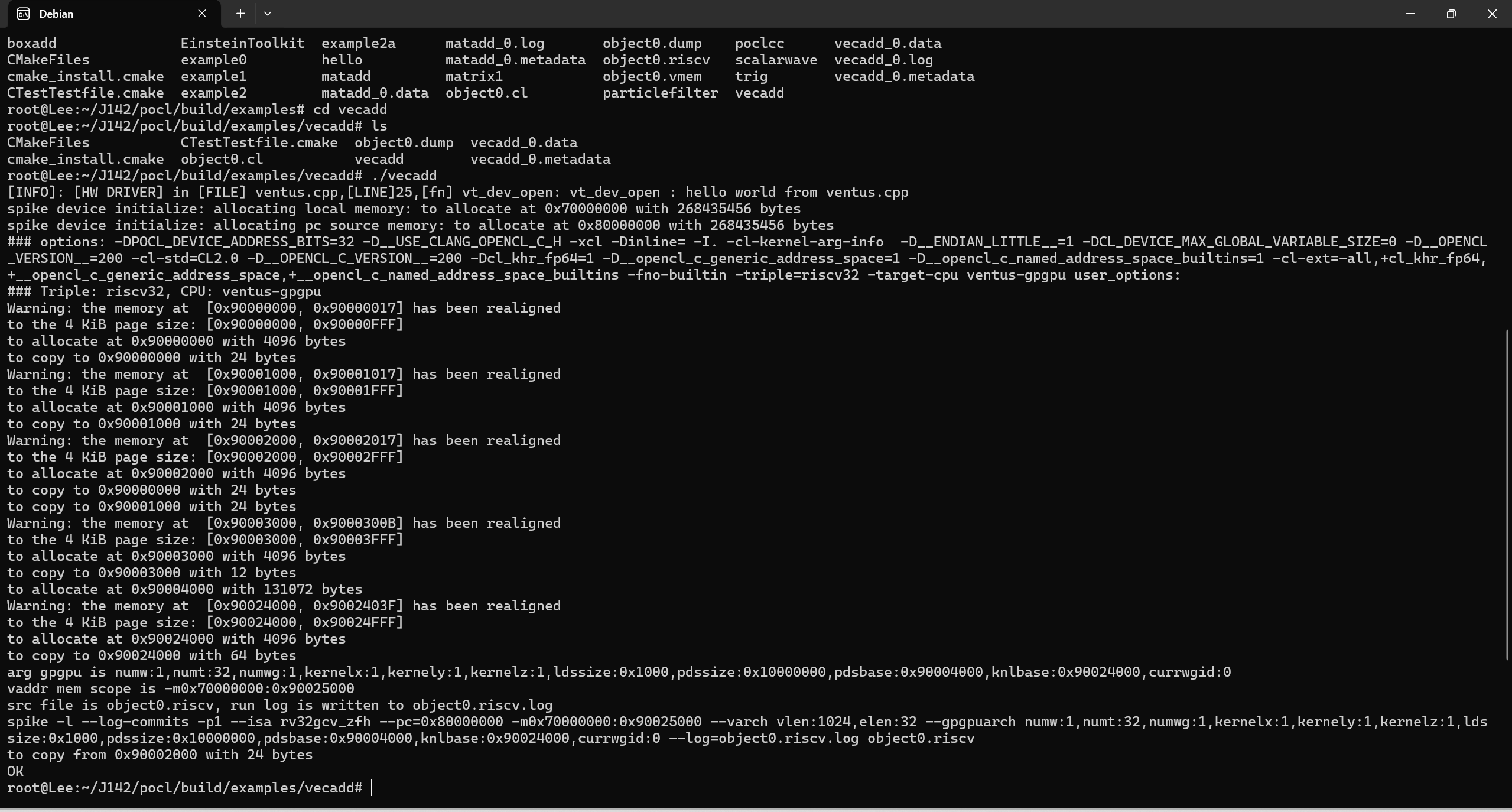
cd J142/pocl/build/examples/vecadd
./vecadd