Required Tools
- vscode (optional)
- Git (optional)
- A browser
GitHub
Getting Started with GitHub
GitHub is a large open-source community where you can freely contribute to projects you like.
GitHub Official Website: https://github.com/
How do I contribute?
Register an account (details omitted here)
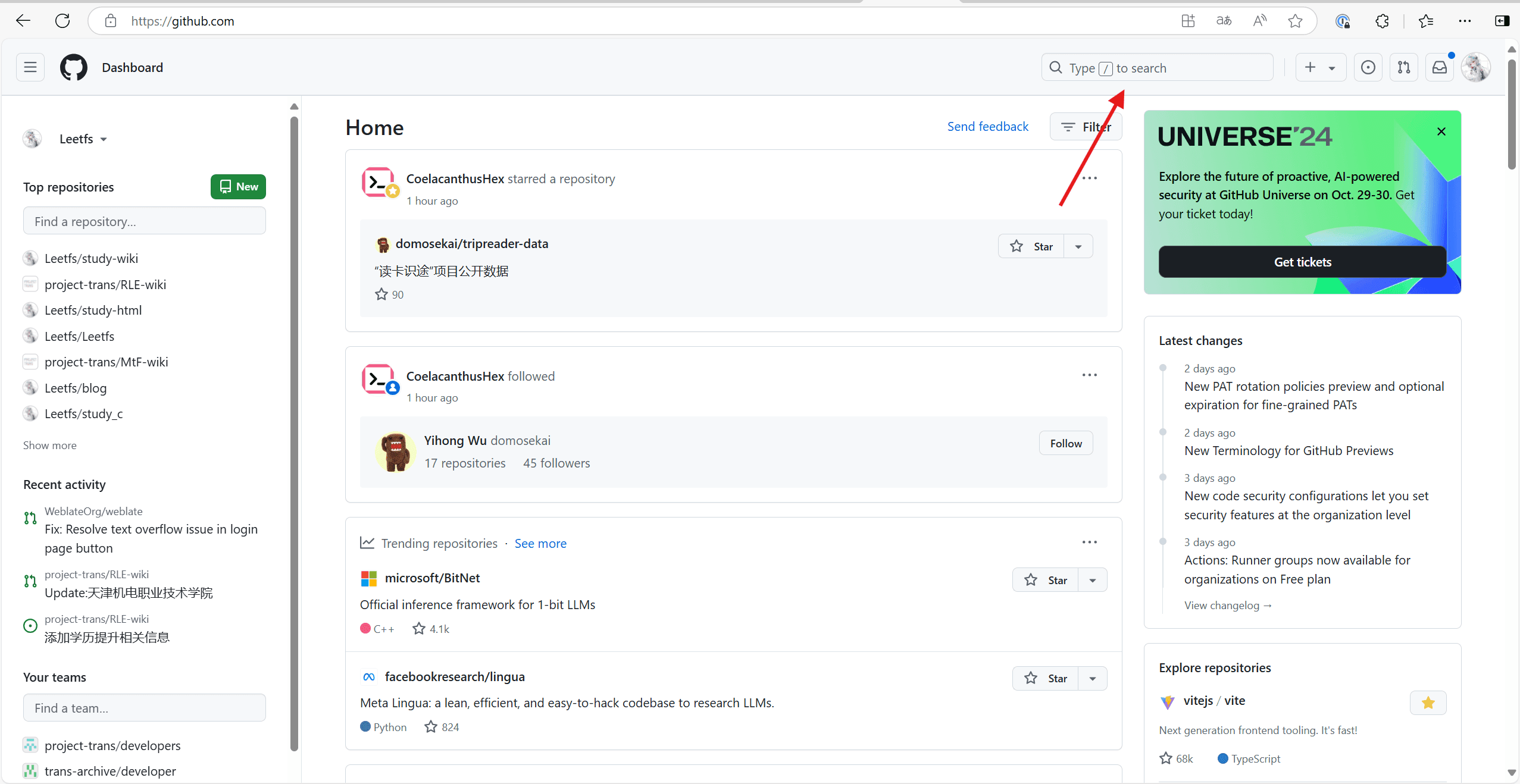
Go to the homepage and use the search bar to find the repository you want to contribute to, or jump directly via a repository link.
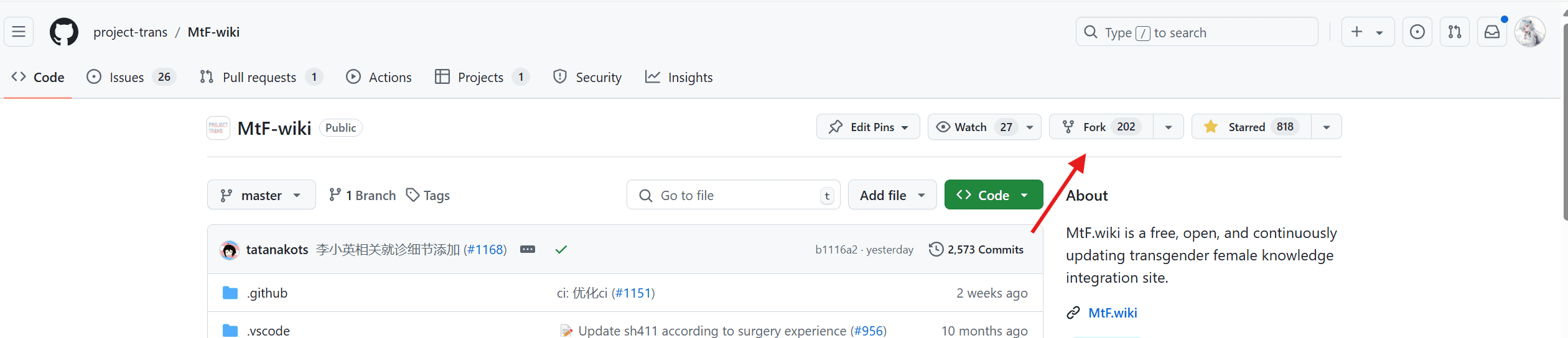
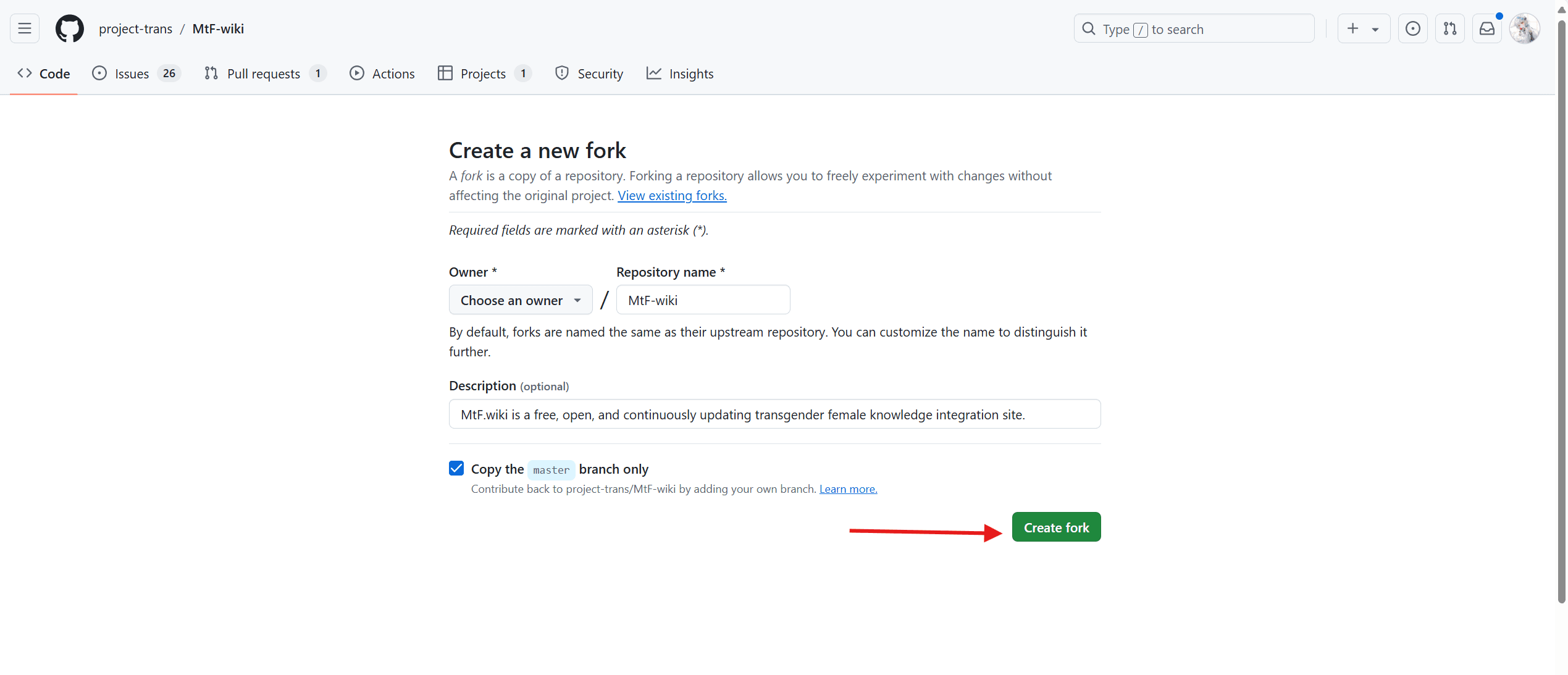
On the repository code page (homepage), click Fork to copy the repository to your account.
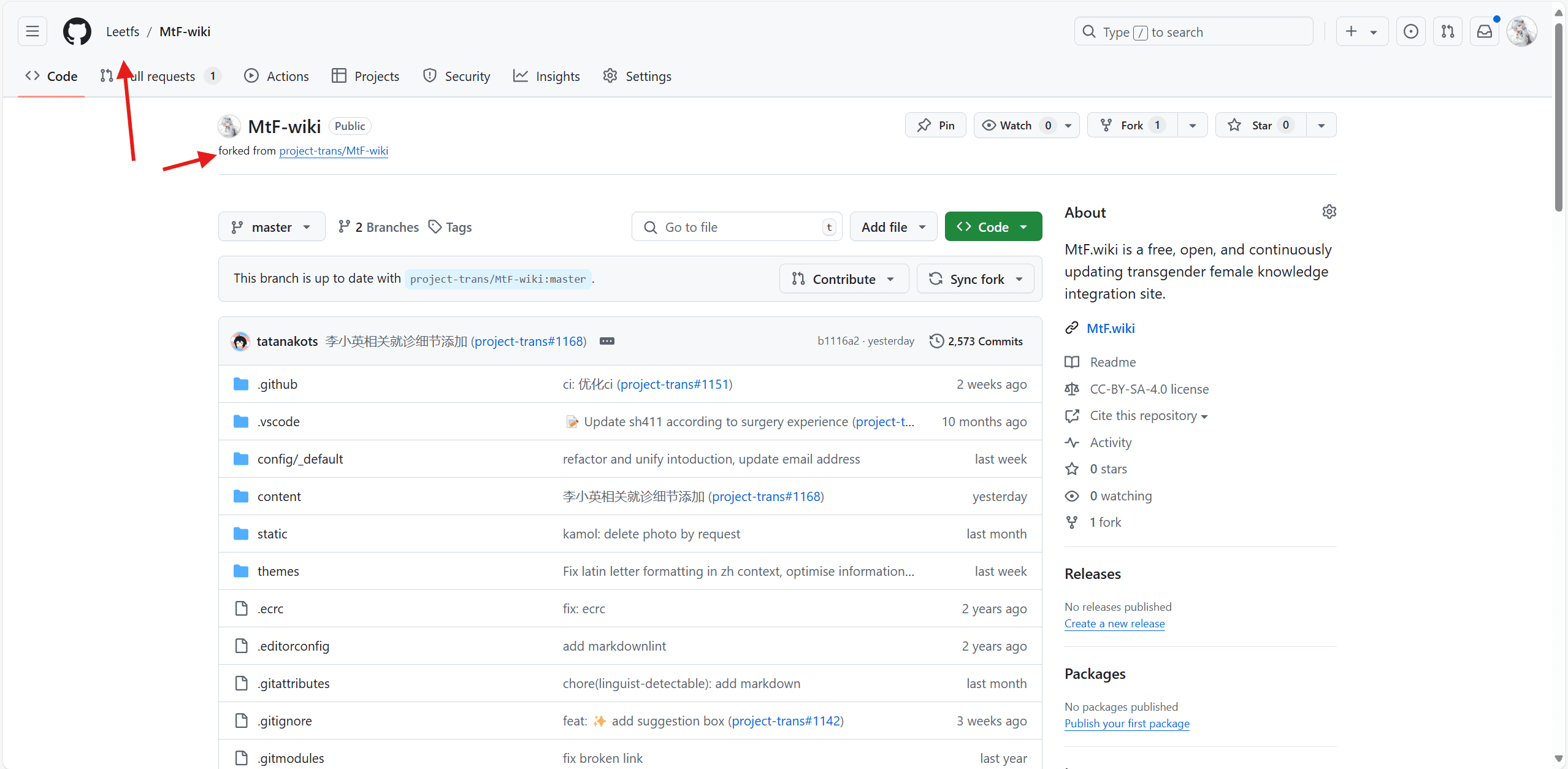
Go to your forked repository
Find the file you want to edit, make your changes, and then click Save in the upper right corner.
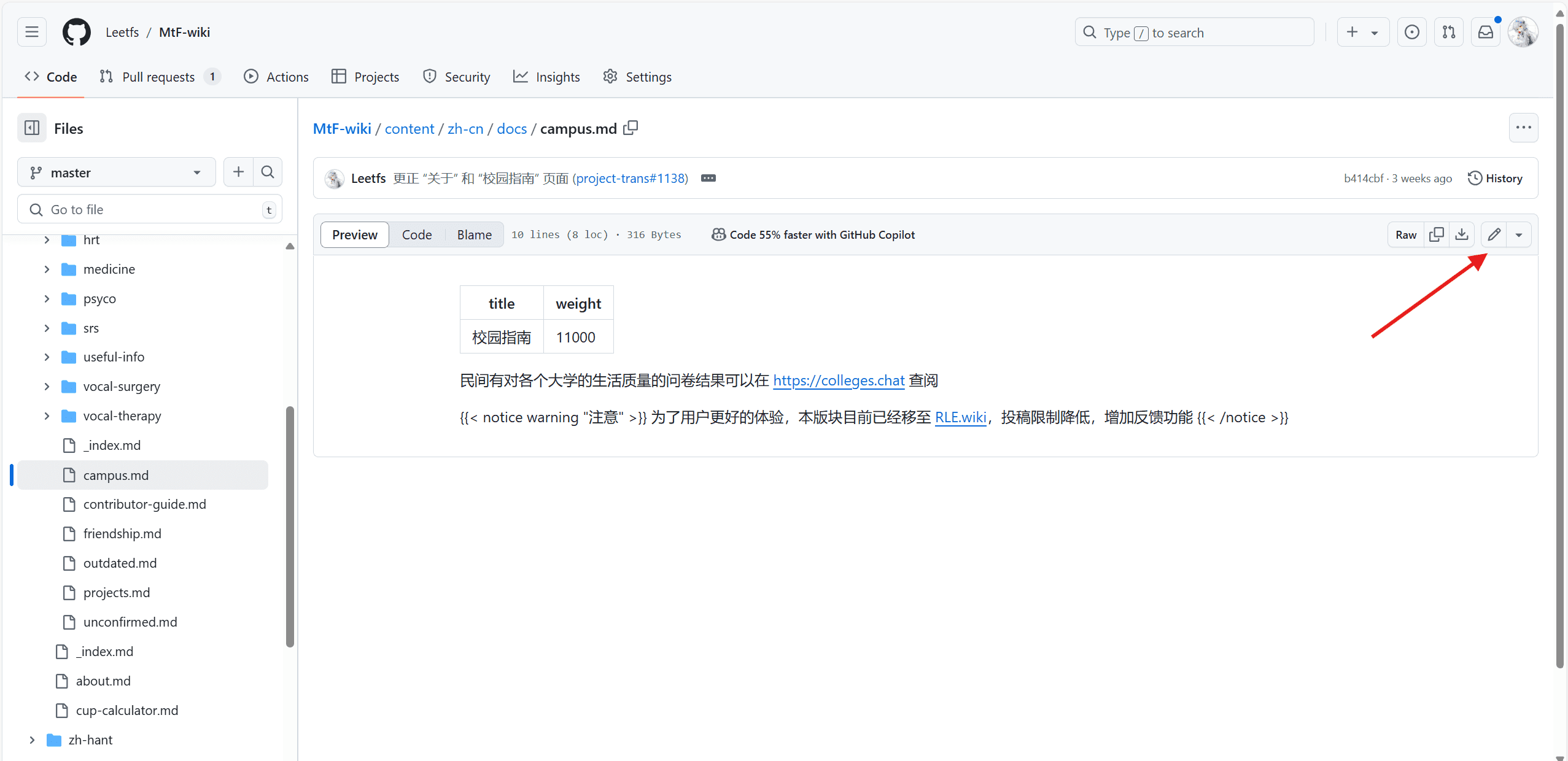
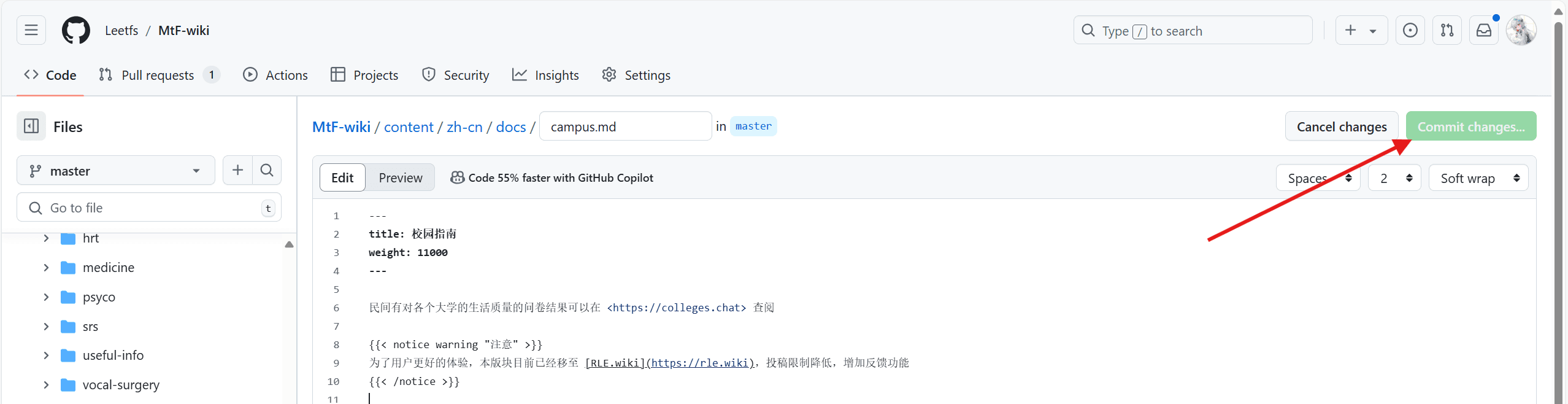
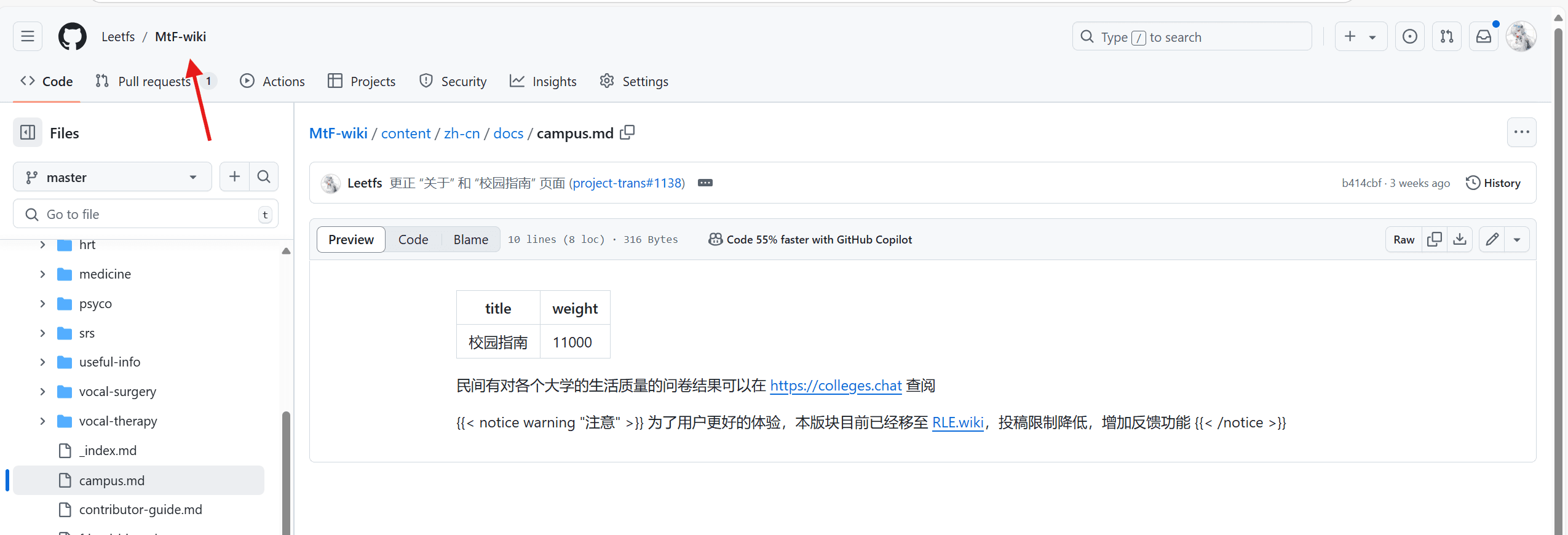
After all files have been modified, return to the repository homepage and initiate a pull request.
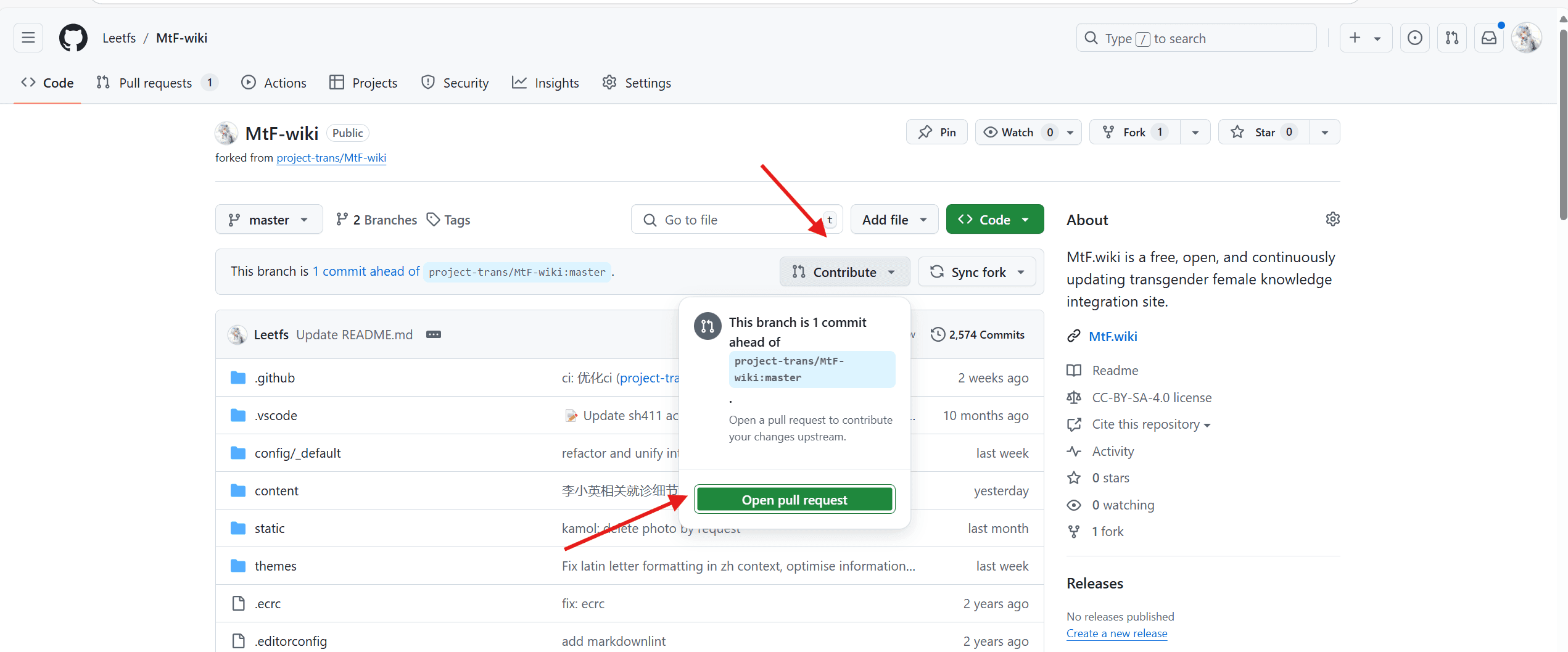
Enter your title (required) and description (optional), then click Send.
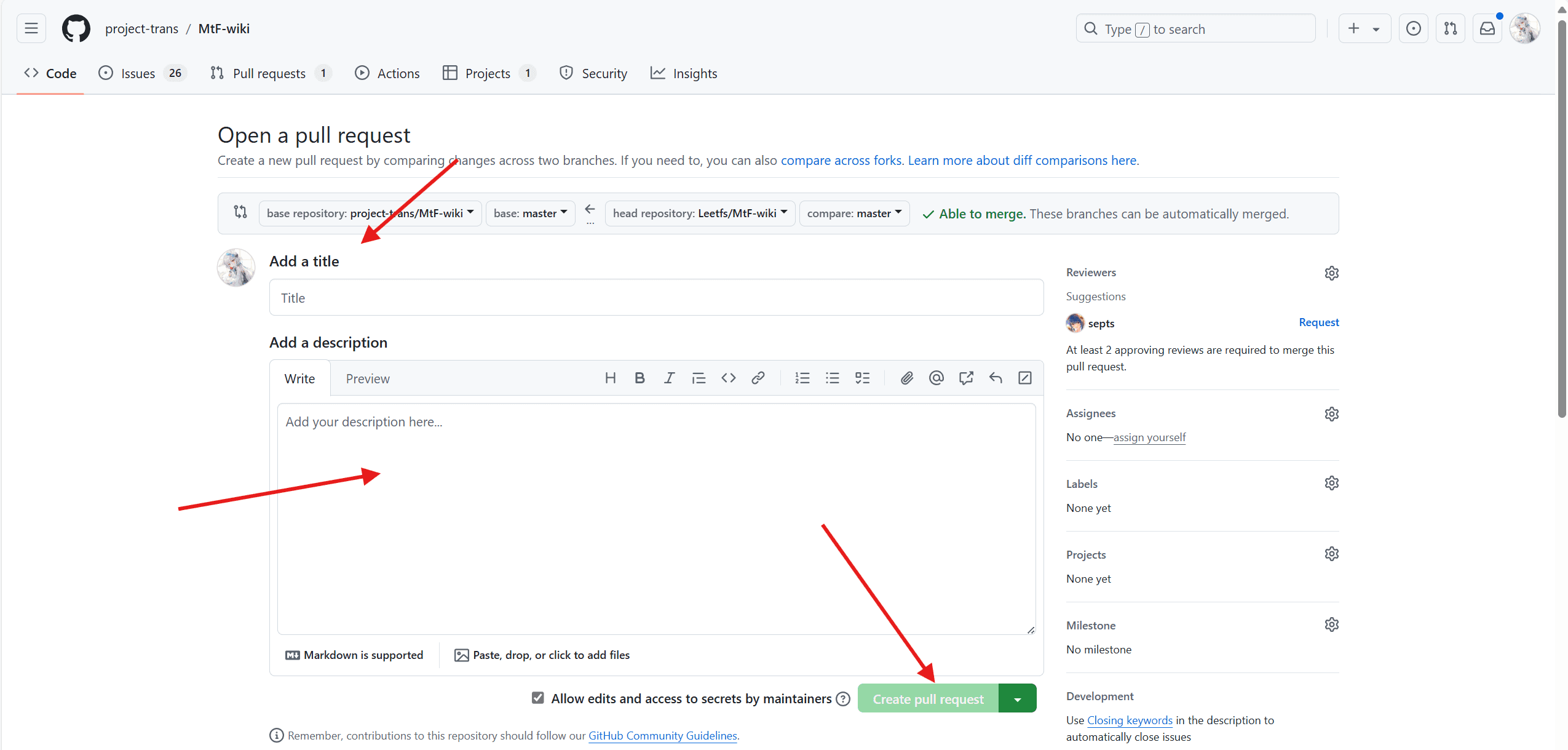
Wait for the upstream repository maintainer to merge your pull request
Tips
On a GitHub repository page, pressing the . key switches to the web version of vs code, where editing can sometimes be more convenient than the native editor.
You can practice with this repository; start by adding missing punctuation or correcting typos~
FAQ
Questions encountered when teaching newcomers, continuously updating
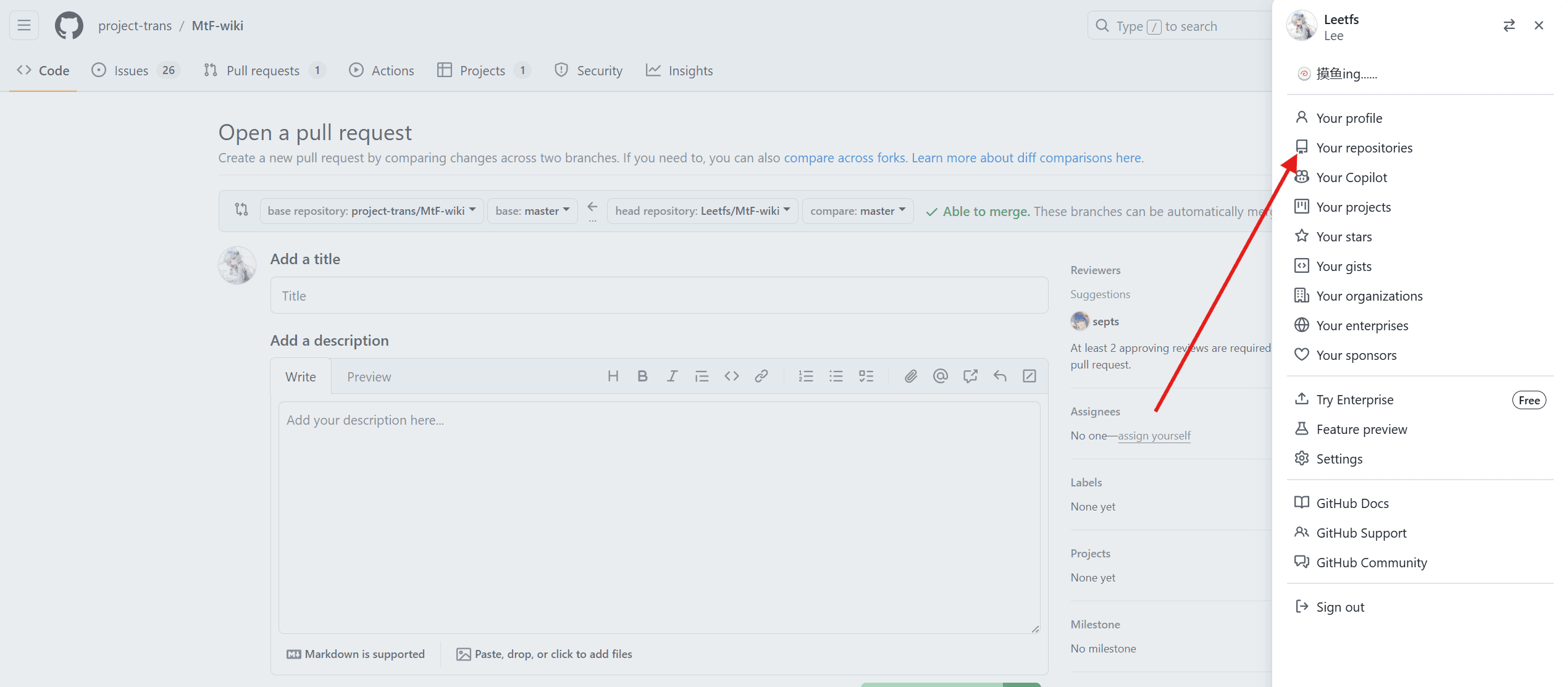
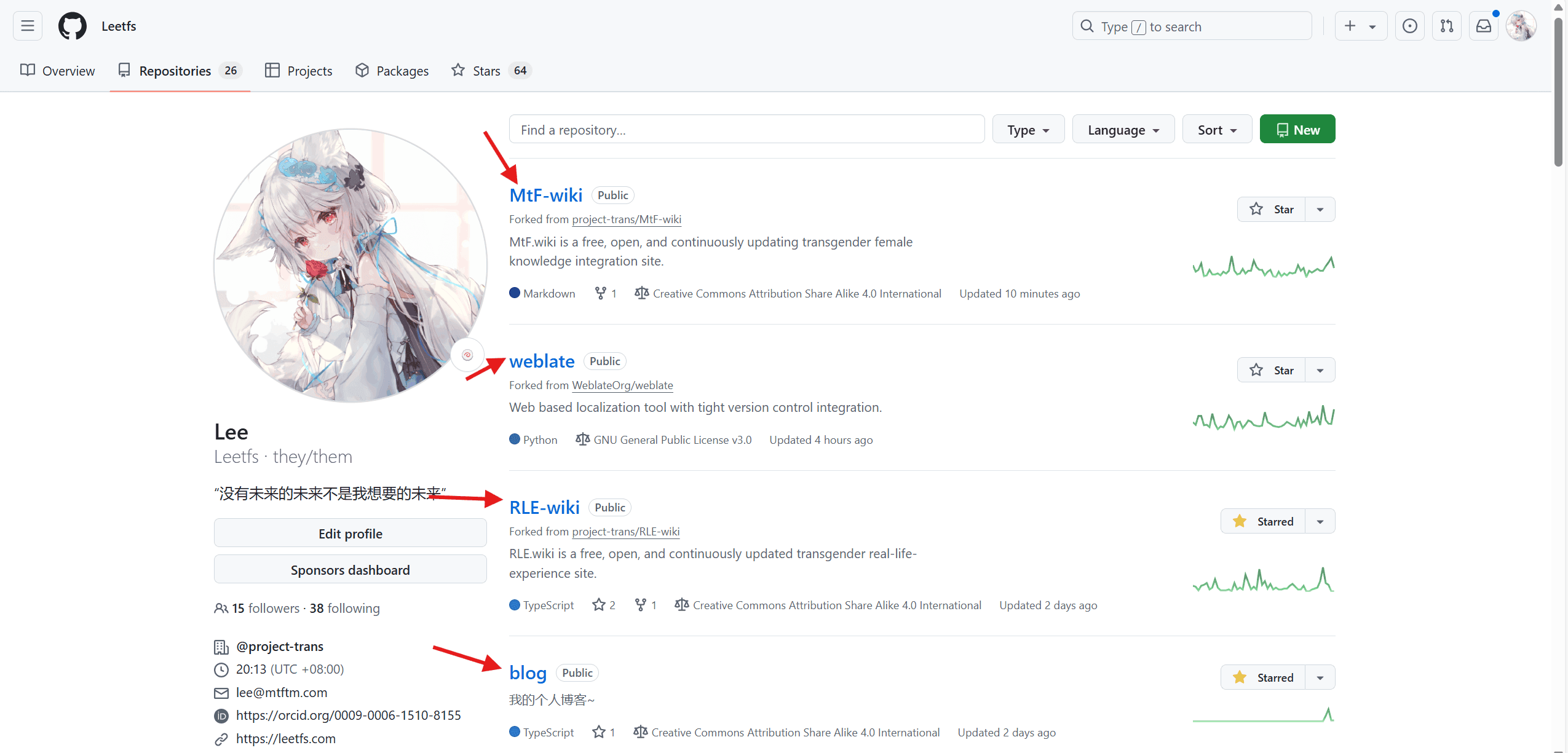
What if I can't find my forked repository?
Click your avatar in the upper right corner, then select Your repositories from the sidebar that appears
On the page, select the repository you want to switch to
Note:
Clicking the
Forked from ...below the repository name will jump to the upstream repository, but usually you can only push changes to upstream via PR (pull request) unless you have direct push access to the upstream repository.
About pushing with vscode and git
See other articles in this series