Introduction
Ventus GPGPU is a GPGPU architecture for RISC-V.
This article references this repository: https://github.com/THU-DSP-LAB/llvm-project.
Install dependencies
sudo apt install -y git build-essential clang cmake ninja-build ccache zlib1g-dev libtool autoconf automake device-tree-compiler bsdmainutils ruby clinfo
Download files
TIP
Create a folder and clone all the repositories into this directory. In the following,
J142is used as the folder name.
- llvm-ventus :
git clone https://github.com/THU-DSP-LAB/llvm-project.git - pocl :
git clone https://github.com/THU-DSP-LAB/pocl.git - ocl-icd :
git clone https://github.com/OCL-dev/ocl-icd.git - isa-simulator(spike) :
git clone https://github.com/THU-DSP-LAB/ventus-gpgpu-isa-simulator.git - driver :
git clone https://github.com/THU-DSP-LAB/ventus-driver.git - rodinia :
git clone https://github.com/THU-DSP-LAB/gpu-rodinia.git
Set environment variables
export VENTUS_INSTALL_PREFIX=/root/J142/llvm-project/install\nexport SPIKE_TARGET_DIR=${VENTUS_INSTALL_PREFIX}\nexport LD_LIBRARY_PATH=${VENTUS_INSTALL_PREFIX}/lib\nexport OCL_ICD_VENDORS=${VENTUS_INSTALL_PREFIX}/lib/libpocl.so\nexport POCL_DEVICES=\"ventus\"\nexport PATH=/root/J142/llvm-project/build/bin:$PATH\nexport BUILD_TYPE=Debug
Build the compiler
cd J142/llvm-project
./build-ventus.sh
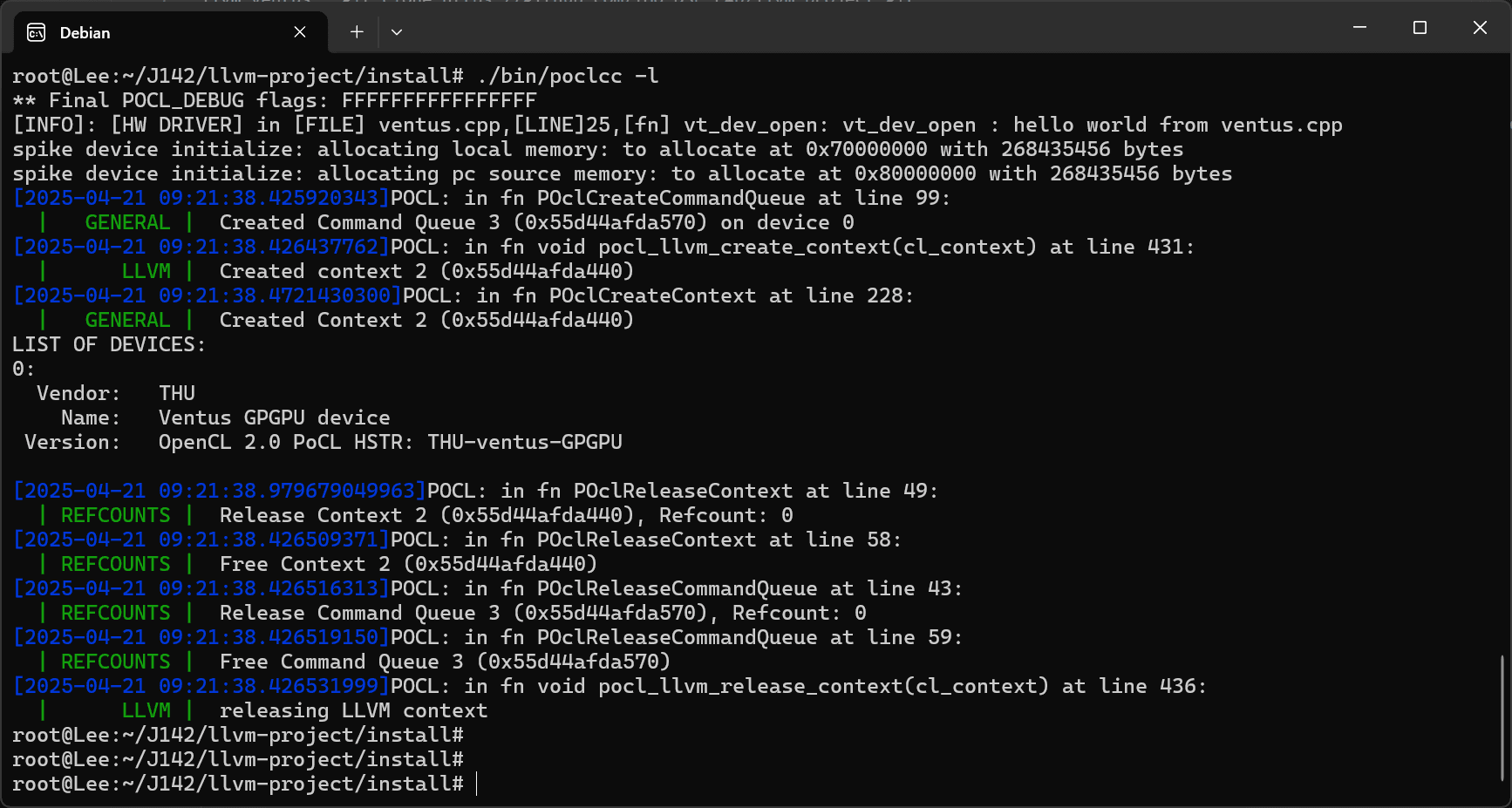
Check installation status
cd J142/pocl/build/bin
./poclcc -l
Run the test cases
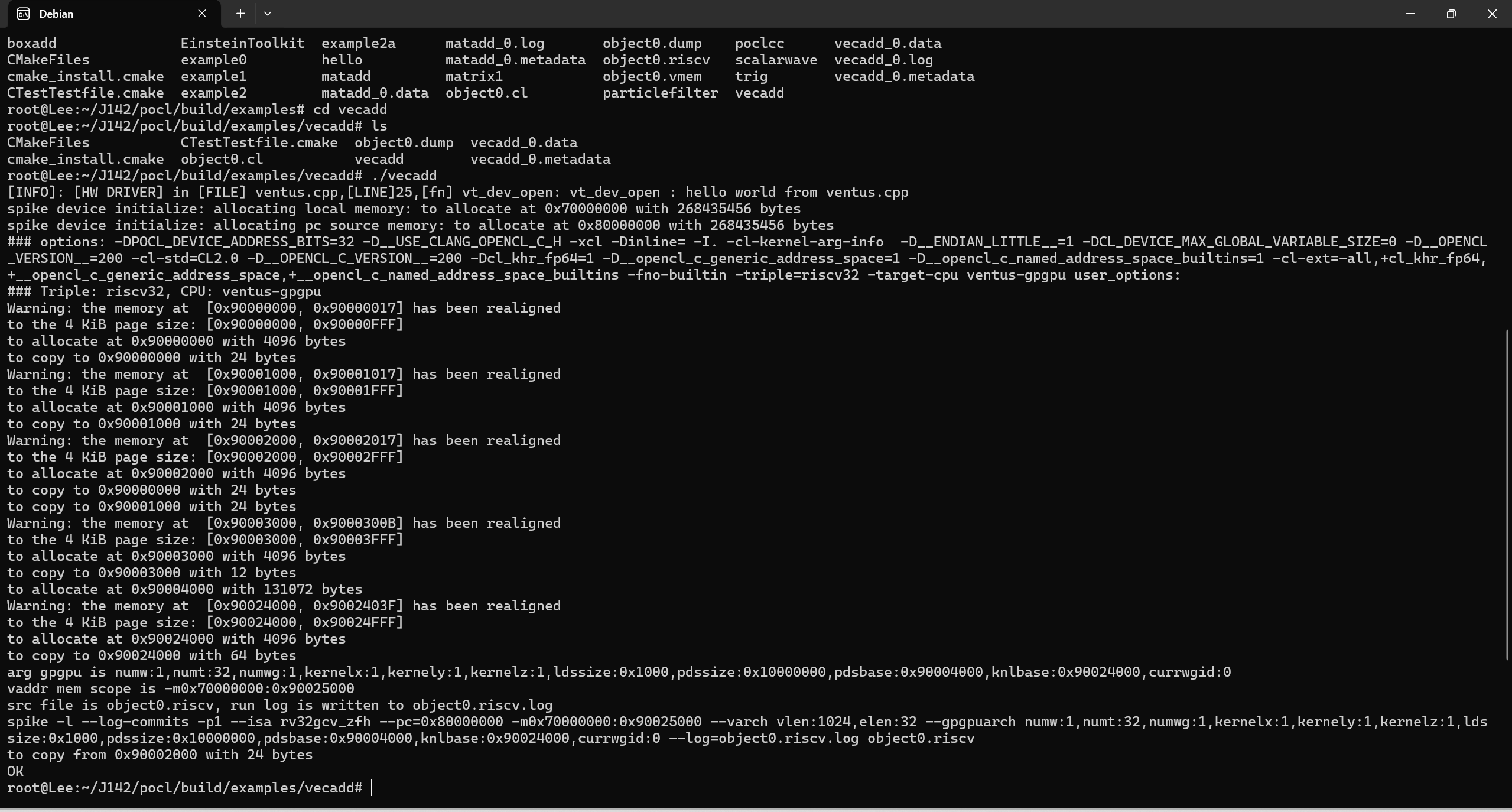
cd J142/pocl/build/examples/vecadd
./vecadd